
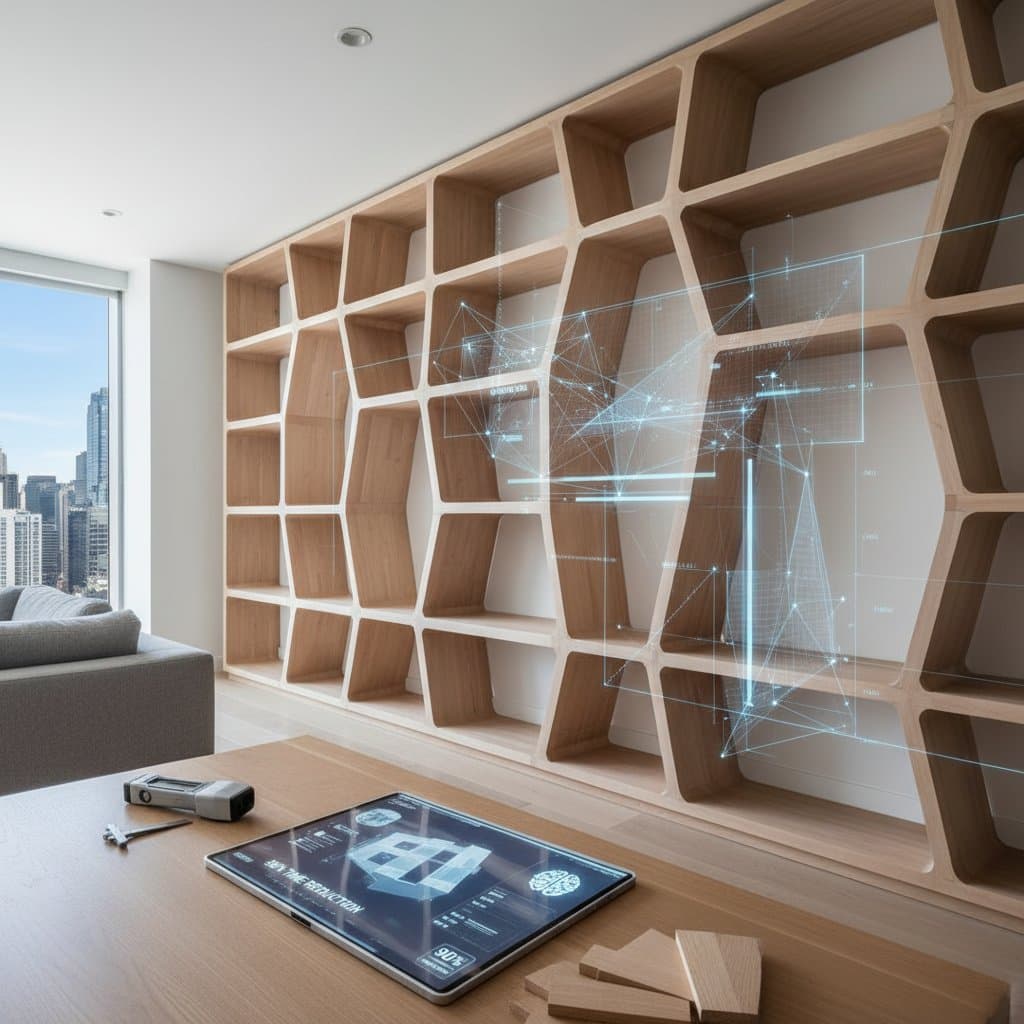
How AI-Guided Parametric Design Slashes Shelving Time by 90%
Custom shelving projects that previously required weeks of modeling now emerge in mere minutes through AI-guided parametric design. Woodworkers leverage these tools to produce storage solutions with exact fits and minimal effort. This evolution reshapes quoting, designing, and building processes, whether for simple floating shelves or comprehensive modular wall systems.
Understanding Parametric Design in Shelving
Parametric design relies on mathematical parameters to adjust components dynamically as variables change. In shelving applications, users input details such as wall dimensions, weight requirements, and material choices; the software then modifies shelves, joints, and supports accordingly. AI elevates this by forecasting stress concentrations, maximizing material efficiency, and recommending joinery options that balance durability and visual appeal.
Consider a floating shelf installation that accommodates uneven walls. Rather than repeated measurements and manual adjustments, the AI recalibrates shelf spacing and thickness on the spot. This approach delivers bespoke results without extensive drafting sessions.
Key advantages include:
- Elimination of redundant modeling tasks through AI automation.
- Early detection of potential structural vulnerabilities via advanced algorithms.
- Instant updates to all elements, from notch dimensions to fastener positions, as parameters evolve.
Practical starting point: Experiment with accessible tools like Grasshopper for Rhino or Dynamo for Revit. Build a basic model to observe how altering a single variable, such as shelf depth, influences the entire assembly.
Budgeting for AI-Assisted Tools and Projects
Tools for AI-enhanced parametric design span budget-friendly to enterprise levels. Basic platforms, including SketchUp with parametric add-ons, require subscriptions of $30 to $60 monthly. Professional suites like Rhino paired with Grasshopper or Autodesk Fusion 360 demand $120 to $200 per month, particularly with integrated manufacturing features.
Project expenses vary by scope:
- Digital design for personal use: $0 to $100, covering software trials and initial setup.
- Workshop prototype development: $350 to $600, encompassing design hours and raw materials.
- Complete client installation: $1,200 to $3,000, including fabrication, finishing, and on-site assembly.
Cost-saving strategies: Employ AI-driven nesting algorithms to arrange components on plywood sheets with optimal efficiency; many shops recover the equivalent of one to two sheets per job. Prioritize robust hardware and joinery to ensure long-term performance, avoiding reductions in these areas.
Timeline considerations: Allocate 3 to 6 hours for iterative design phases and 1 to 2 days for cutting, sanding, and assembly, assuming CNC machinery integration.
Pitfalls in AI-Driven Shelving Design
While AI accelerates workflows, it supplements rather than supplants skilled workmanship. Novice users often encounter challenges by over-relying on computational outputs without scrutiny.
Frequent errors to sidestep:
- Overlooking wood's response to environmental factors. AI models might omit seasonal expansion; incorporate clearance gaps of at least 1/8 inch to accommodate humidity shifts.
- Excessive joint complexity. Elaborate interlocking mechanisms enhance aesthetics but extend assembly durations; opt for straightforward designs in initial builds.
- Bypassing tangible prototypes. Virtual precision does not always translate to physical outcomes; test assemblies with actual materials.
- Disregarding equipment constraints. Factor in CNC tool diameters and edge finishes when setting parameters to prevent incompatible specifications.
- Misjudging iteration needs. Algorithms demand validation through user inputs; budget time for at least two rounds of refinements prior to production.
Remediation approach: Integrateplans with hands-on expertise in materials. Validate critical connections via scaled prototypes whenever feasible.
Integrating Parametric Tools into Your Workflow
Parametric design enhances rather than erodes artisanal skills. Woodworkers who fuse data-driven accuracy with intuitive decision-making produce shelving that maximizes spatial utility, conserves resources, and exemplifies bespoke quality. Begin by selecting a tool aligned with your current setup, then scale applications as proficiency grows to elevate project efficiency and client satisfaction.